
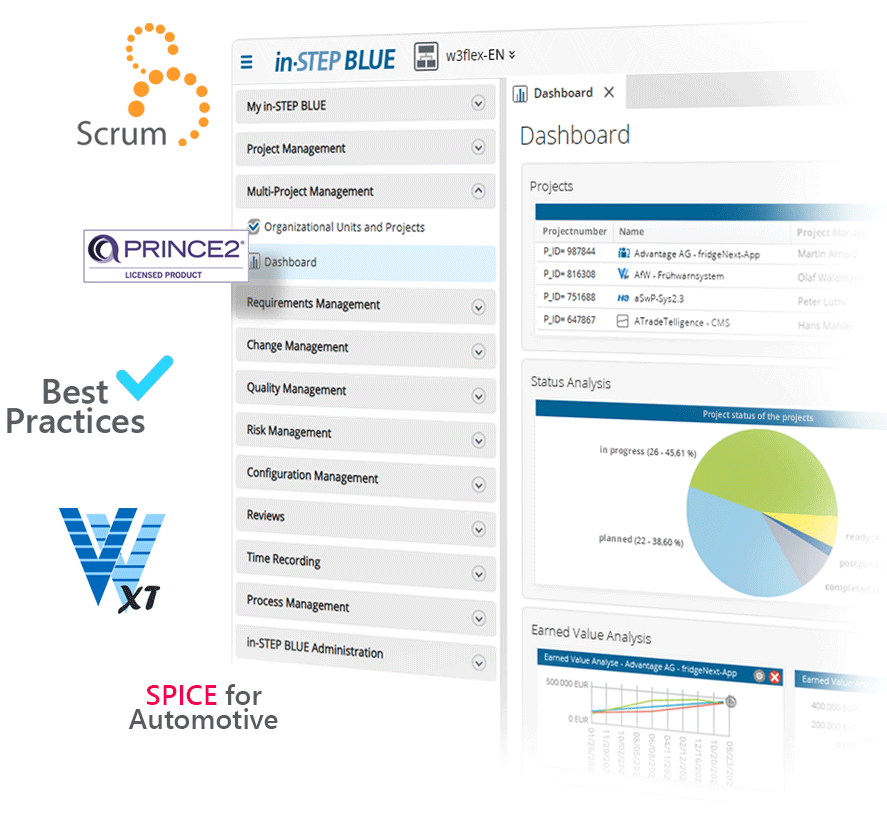
Processes Come Alive with in-STEP BLUE.
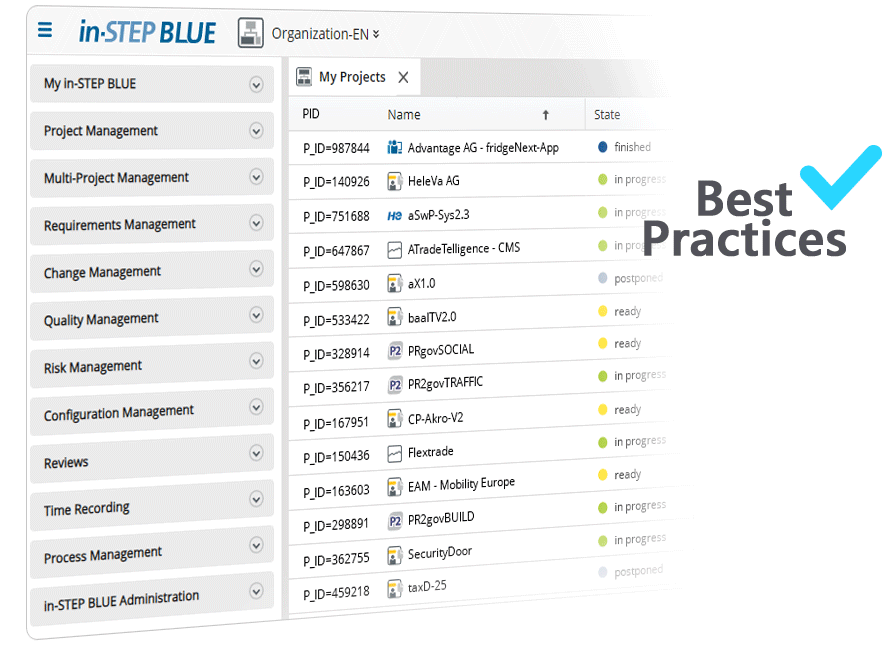
Your Best Practices Put to Use
The in-STEP BLUE CoreProcess Edition is the right tool for you if you want to improve your system or software development with a standard process without introducing external process standards. Unlike the other editions of in-STEP BLUE, the Core Process Edition is not construed for use with a process standard like the V-Modell XT or PRINCE2. The in-STEP BLUE CoreProcess Edition provides you with a basic process – the CoreProcess. Based on Best Practices in system development, product development, and software development, it is easily adjustable to match your individual company standards. With the CoreProcess Edition you have the freedom to apply your own individual process standard to your projects. However, you don’t have to start from scratch. The CoreProcess Edition comes with templates covering typical activities, cycles, and products in system development, product development, and software development.
V-Modell XT, V-Modell XT Bund and V-Modell XT Bayern applied
In many cases, contracting authorities and public authorities require the V-Modell XT. in-STEP BLUE provides efficient support for all V-Modell XT projects. in-STEP BLUE makes V-Modell-XT-compliant planning of your projects easy. It features activity and product templates and supports you in the planning and documentation of all required quality assurance measures. in-STEP BLUE V-Modell XT Edition comes with a number of integrated wizards:
- A tailoring wizard for static and dynamic tailoring,
- a project planning wizard for V-Modell XT-compliant project planning,
- a product planing wizard for easy creation and scheduling of products,
- a quality assurance wizard for structured and traceable quality assurance measures.
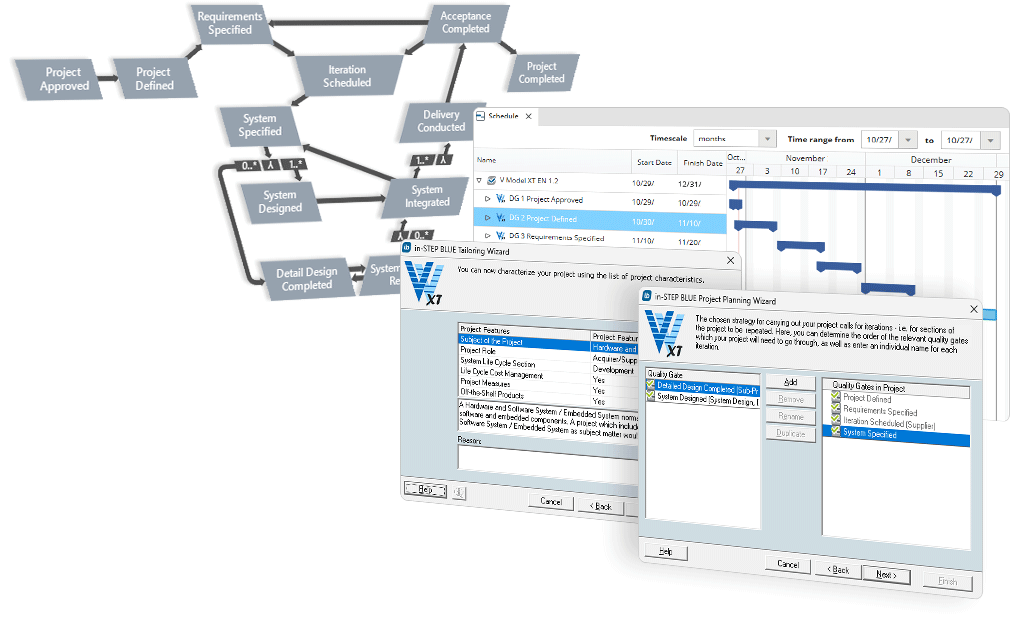
Tailor the V-Modell XT to your needs – with in-STEP BLUE. Reduce your planning efforts and provide your team with support for all V-Modell XT projects.
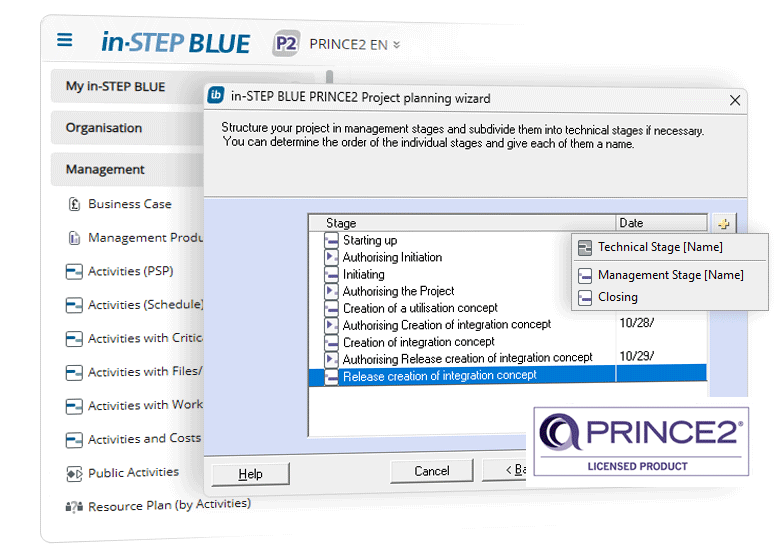
PRINCE2 Projects with in-STEP BLUE
PRINCE2 defines the approach, the project management software in-STEP BLUE makes it visible. An integrated project planning wizard helps you to benefit from PRINCE2 in all your projects quickly and easily. The project plan generated by in-STEP BLUE generates all required project plan containing all required processes, e.g. Starting up, Directing, Initiating and Closing a Project. With in-STEP BLUE you consistently follow a product-based planning approach. Based on specialist products you plan and schedule work packages effortlessly, with automatic assignment of team members and allocation to project phases. in-STEP BLUE is a common working environment and enables you to have an instant overview of the progress of your PRINCE2 project and the business case.
PRINCE2 is officially licensed by AXELOS Limited. And in-STEP BLUE is licensed by AXELOS Limited for handling PRINCE2:2009 accordingly with the in-STEP BLUE PRINCE2 Edition.
Take an Agile Approach with Scrum
Simple rules, minimal roles, solid rituals, defined artefacts, clear priorities and self-organizing teams, plus ideal reporting capabilities. in-STEP BLUE is the perfect Scrum solution for your agile projects. It enables all project members to efficiently and productively contribute to the project. in-STEP BLUE facilitates communication and collaboration within your local or distributed team. Instant overview of your project status, full traceability, perfect reporting and digital management of all data: With in-STEP BLUE Scrum Edition, local or distributed Scrum teams have everything they need for agile projects. From prioritized product backlogs to velocity charts.

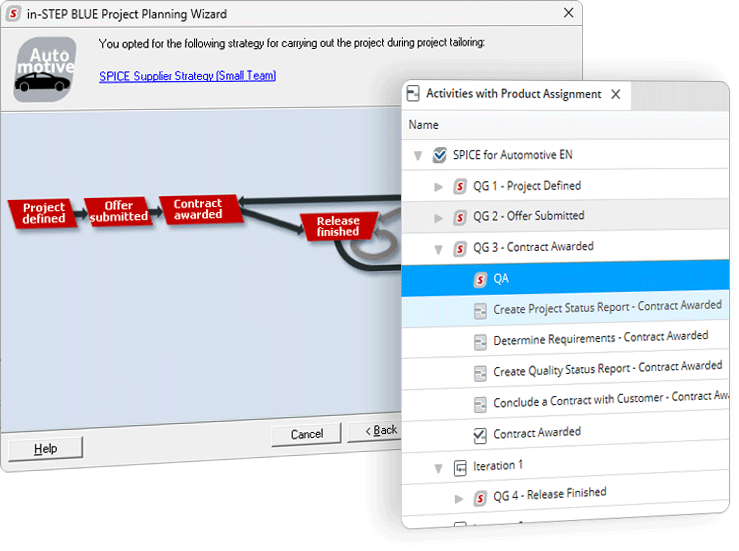
Reach SPICE for Automotive Level 3 with in-STEP BLUE
If Automotive compliant process maturity is required in order to achieve credibility in the market, if the success of your company increasingly depends on controlling the quality, costs and deadlines of software and system development, the Project Management Software in-STEP BLUE SPICE Edition for Automotive is for you.
in-STEP BLUE SPICE Edition for Automotive features an extensive, customizable Automotive SPICE-compliant development process. The built-in tailoring wizard generates a SPICE-compliant process, tailored to the specific characteristics of your project and the built-in project planning assistant helps you structure your project based on project specific, Automotive SPICE-compliant processes. And you’re on your way to SPICE Level 3.

Process Management. The How and the Why.
Being able to work with processes is very important for all companies, not just manufacturers. Processes are becoming more important in projects. With processes management you can learn from and repeat positive experiences. in-STEP BLUE can be used for your project plans and processes, for capturing requirements, for administering ideas or initiating projects and much more. All of which can be done in a single environment. And best of all: with in-STEP BLUE you do not only administer project templates, you can manage your projects and programs in real time. With all your staff members.
What Information Do You Need?
Being able to work with processes is very important for all companies, not just manufacturers. Processes are becoming more important in projects. With processes management you can learn from and repeat positive experiences. in-STEP BLUE can be used for your project plans and processes, for capturing requirements, for administering ideas or initiating projects and much more. All of which can be done in a single environment. And best of all: with in-STEP BLUE you do not only administer project templates, you can manage your projects and programs in real time. With all your staff members.
How Does in-STEP BLUE Support You?
Processes can be visualized and documented with many different tools these days. What most of the process management tools out there don’t offer is direct application in your projects. Not just for templates to help you structure your projects. We are talking about supporting your staff members in the realization of work packages. It is all about automatizing processes, being informed about new developments, versioning and making documents and results available. All of this has to be done in the context of flexible role and rights allocation. If you want to work with processes in your projects then in-STEP BLUE is an excellent choice for your process management.
in-STEP BLUE offers you the following advantages for your process managment
• Define your own custom processes, workflows and procedures.
• Utilize standards and process models and make success repeatable.
• Tailor processes and procedures to your needs.
• Adjust standards to your current situation.
• Garner acceptance for process-based project work.
• Evaluate and improve projects continuously.
• Master audits.
• Combine standards and Best Practices.
• Create process variants.
• One process for each project.
• Tailoring for shorter throughput times.
• Facilitate operations in your organization.
• Quick and easy project documentation.
• Use performance figures to improve projects.
• Create project guidelines for specific roles.
• Design individual approaches for departments.
• Set up a successful change management.
• Optimize your processes on a regular basis.
• Control document clearance with customizable workflows.
• Support norms and notations with a customizable tool.
• Create the basis for successful projects and audits.
• Establish a Lean Management.
• Manage your documents centrally in a common database.
• No more check lists and data lost in your company network.
• Focus on customers and customer satisfaction.
• Holistic models for your organization.
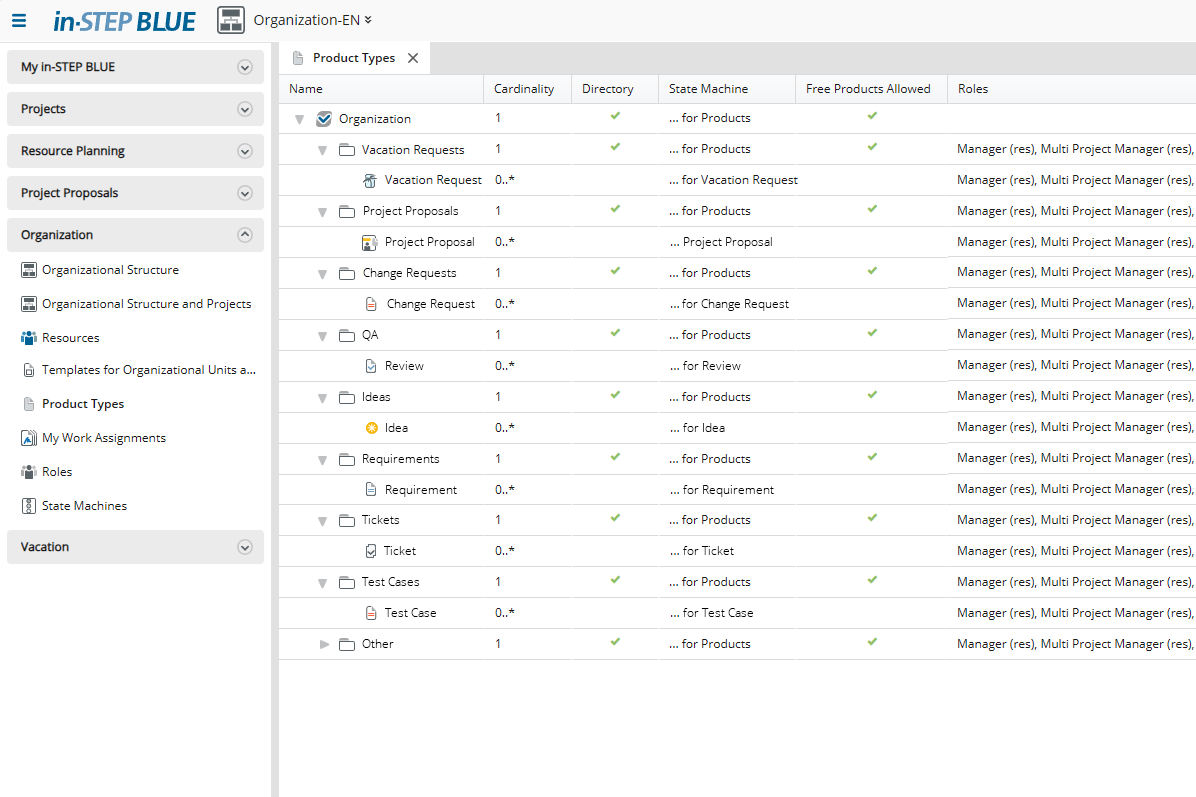
What results do you expect from your projects, how often can these results occur, and which templates do you want to make available? You can easily define the so-called product types in in-STEP BLUE.

Who does what, when, and how often. Activity types allow you to specify which activities occur in your projects and in which phases, whether additional “free” activities are permitted, and which roles perform the activities.
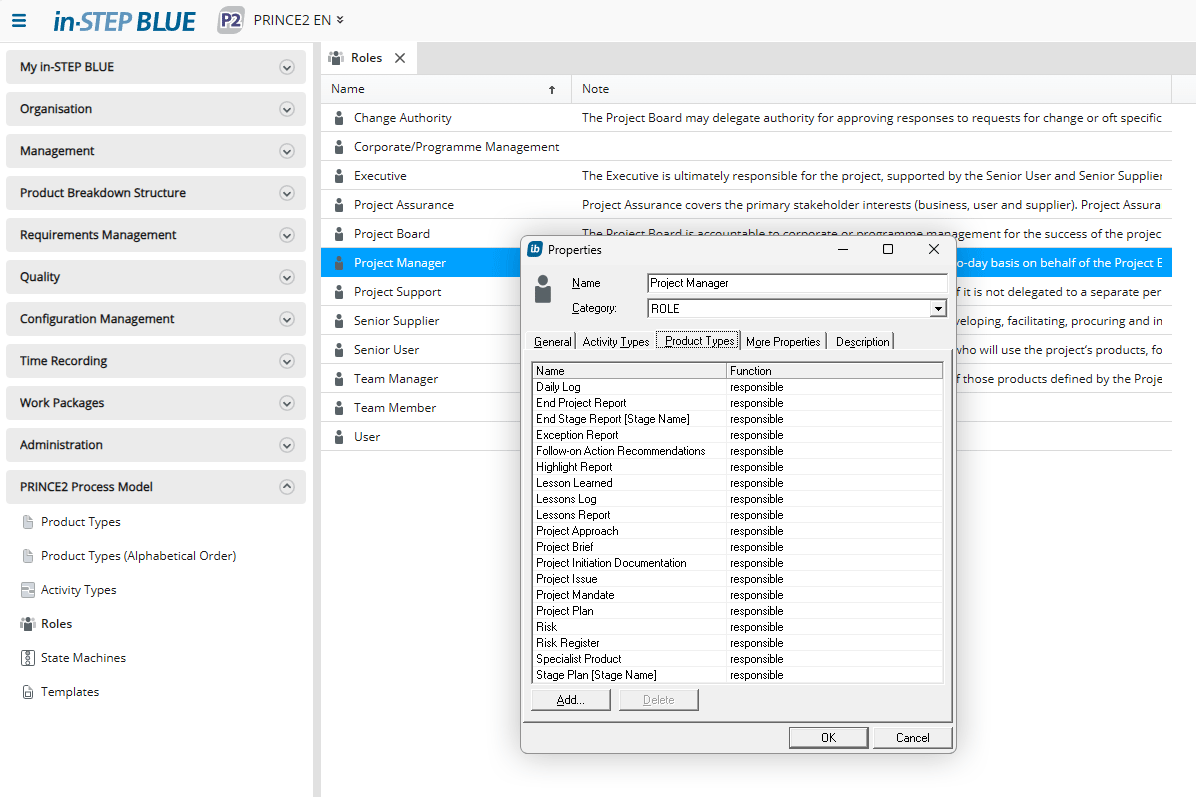
Speaking of roles: Process models such as PRINCE2 define roles that are responsible for many work packages or want to actively participate in them. You define this role information in process management.
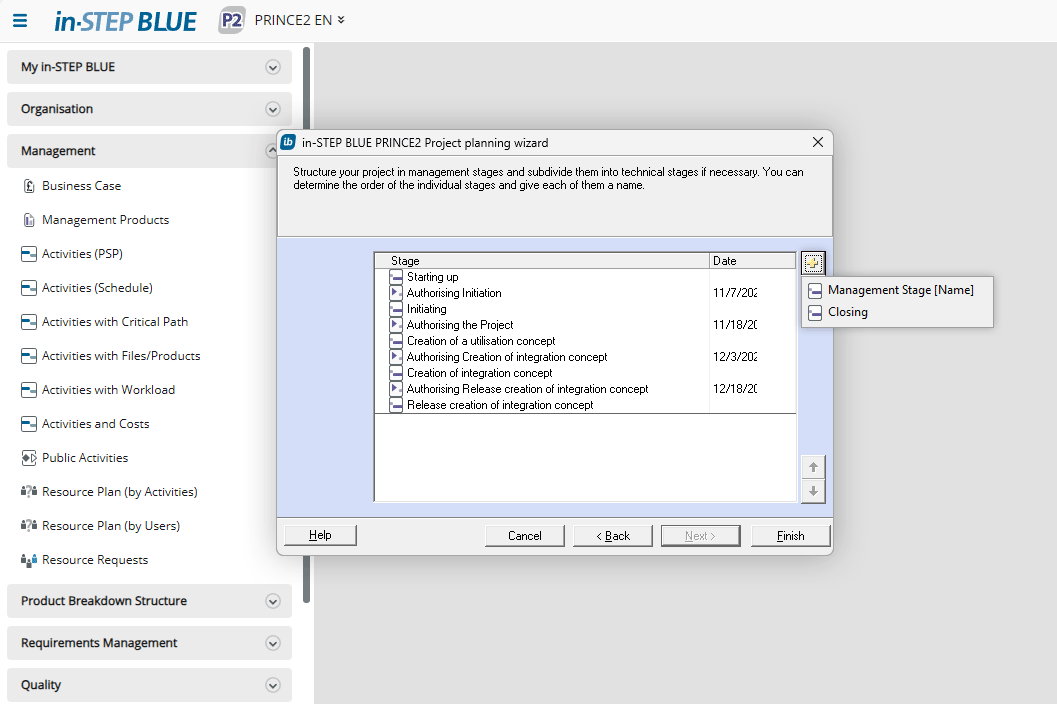
Planning in your projects depends on your processes. PRINCE2 offers a project planning assistant for this purpose. This assistant supports planning with just a few clicks.
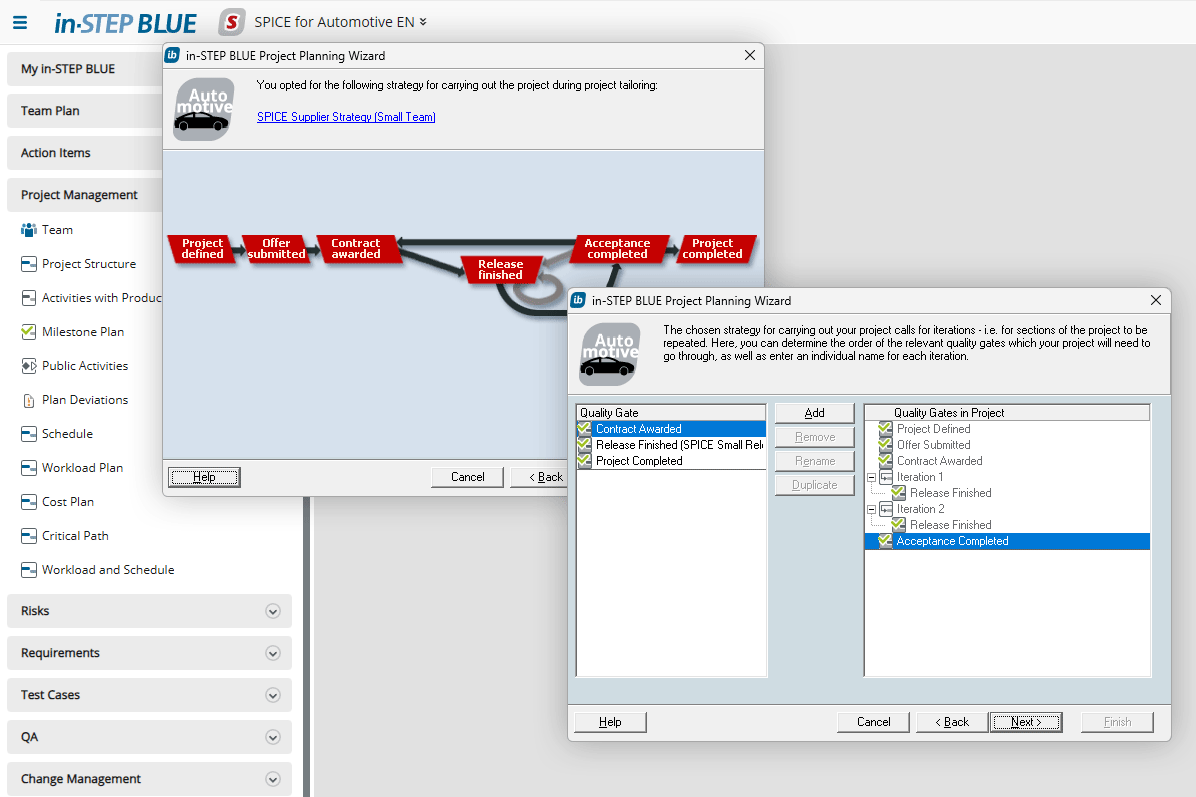
SPICE for Automotive has a similar mechanism tailored to the content of the SPICE methodology.
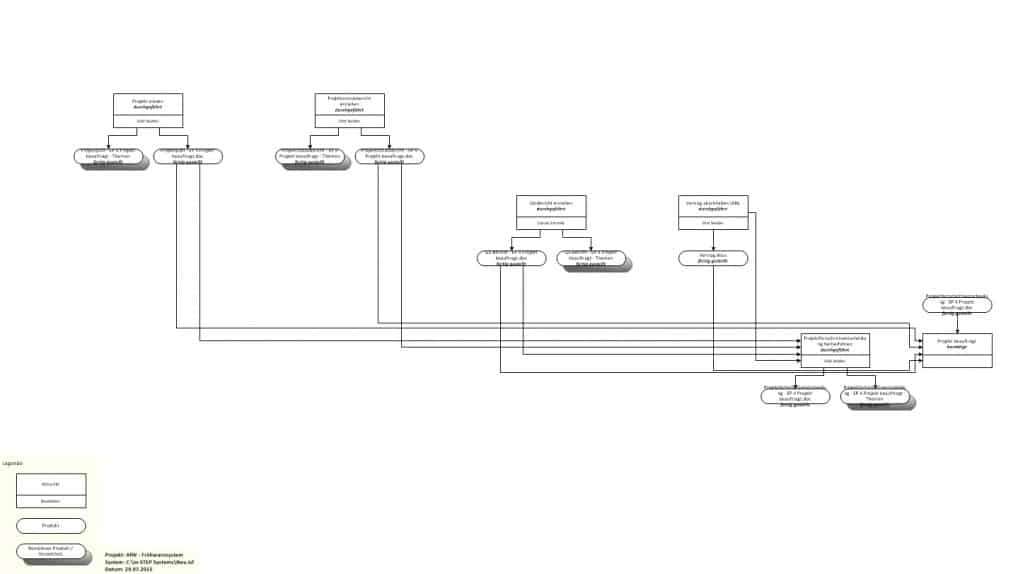
With in-STEP BLUE, in addition to the tabular description of processes, you can also use the export to MS Visio feature to obtain a graphical overview of the process—here using the example of a subproject.